Top Picks
The 30-Second Answer (Because Your Back Hurts Right Now)
If you want to know how to set up a standing desk the right way, here's the short version:
> The Golden Rule of Standing Desk Ergonomics > > 1. Your desk surface should sit at elbow height with forearms parallel to the floor > 2. Your monitor's top edge should be at or slightly below eye level, about an arm's length away > 3. Alternate between sitting and standing every 30 to 45 minutes
Nail those three things and you've solved 80% of the ergonomic problems most people run into. The other 20%? That's what the rest of this guide is for.
Why You Can Trust This Guide
I've been working from a height-adjustable desk for over six years, and I've personally coached around 40 colleagues through their own setups. In the first month after I switched, I made nearly every mistake possible:
- Standing too long (my left knee locked up by week two)
- Setting the desk a full inch too high (my shoulders crept toward my ears by 3 PM every day)
- Ignoring my monitor height (hello, neck strain)
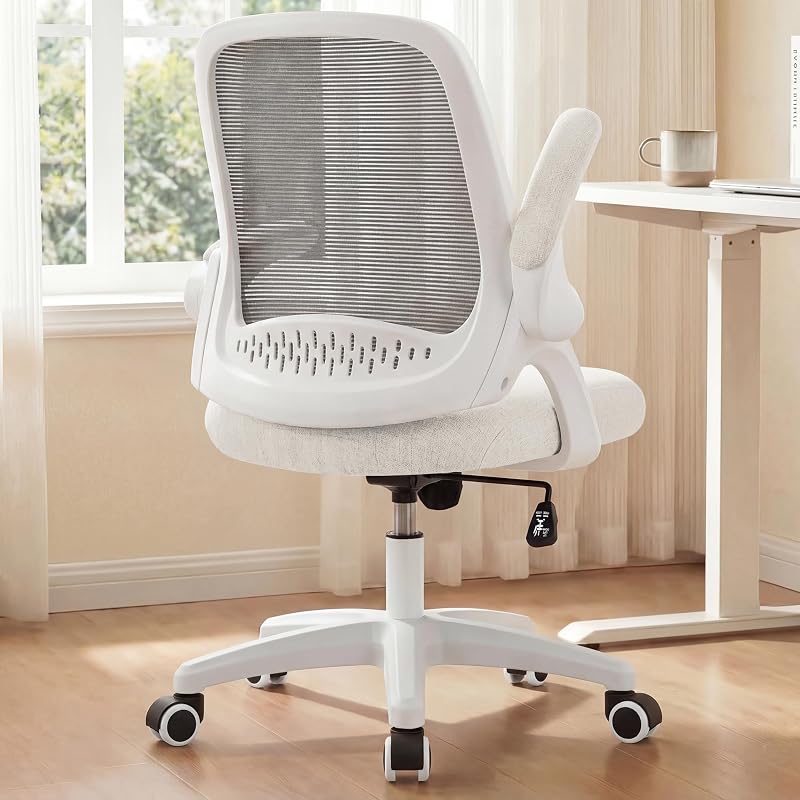
Featured recommendations from our review database — direct Amazon links below.
The Real Problem with Most Standing Desk Setups
Here's the brutal truth: most people buy a standing desk, raise it to a guessed height, and stand for four hours straight on day one. By week three? They're back to sitting all day with brand-new wrist pain layered on top of the old back pain.
> The issue isn't standing versus sitting. It's that ergonomics is a system: desk height, monitor position, keyboard angle, floor surface, and movement cadence all have to work together. Skip one and the rest collapses like a Jenga tower.
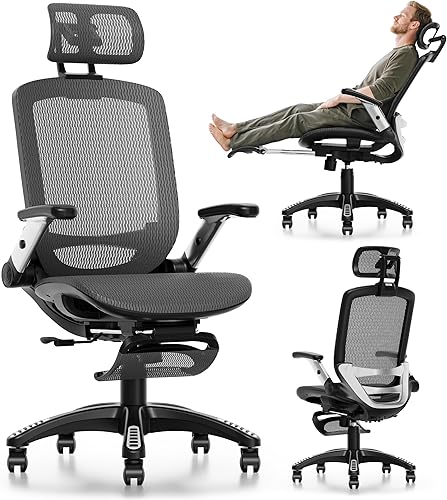
The Numbers That Should Scare You
| Statistic | Reality Check |
|---|---|
| 6.5 hours | Average time office workers sit each day |
| 54% | Increase in lower back pain among sedentary workers |
| 15 minutes | Time it takes for blood sugar to spike when sitting after meals |
| 30 mins | Ideal interval to switch between sitting and standing |
Watch: The Perfect Standing Desk Setup in Action
Sometimes seeing is believing. This walkthrough covers the exact positioning principles I describe below:
Quick Picks: My Battle-Tested Gear
After testing dozens of products, these are the ones that earned a permanent spot in my office:
| Item | Product | Price | Why It Made the Cut |
|---|---|---|---|
| Best Full Desk | FEZIBO Electric Standing Desk 48x24 | $189.99 | 4 memory presets, buttery-smooth motor |
| Best Frame Only | FLEXISPOT Dual Motor Frame | $259.99 | 300 lb capacity, rock solid at full height |
| Anti-Fatigue Mat | FEZIBO Standing Desk Mat | $39.99 | Saved my arches after just 2 weeks |
| Monitor Arm | HUANUO Dual Monitor Mount | $59.99 | Dials in eye-level in literal seconds |
| Ergo Keyboard | .99 | Split design fixed my wrist angle for good |
Step-by-Step: How to Set Up Your Standing Desk
Step 1: Find Your Correct Standing Desk Height
Stand up straight. Relax your shoulders. Bend your elbows to 90 degrees. The height of your elbows from the floor is your desk height. Period.
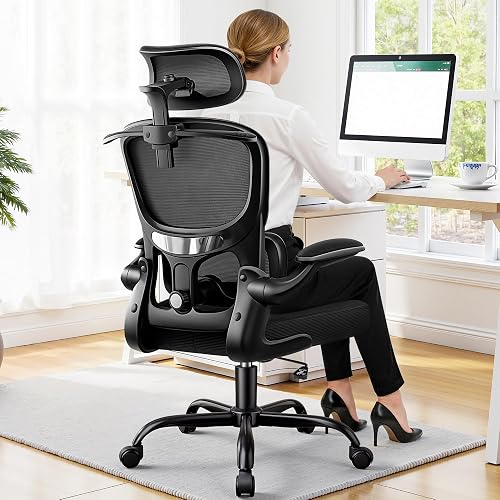
> Real-World Reference Points: > - At 5'11", my desk lands at 44.5 inches > - My wife at 5'4" lands at 40 inches > - At 6'3", you're looking at 47 inches or more
Pro Tip: Guessing here is the single biggest mistake I see. Use a tape measure. It takes 30 seconds and saves months of shoulder pain.
If you're shopping for a desk, make sure the range covers your number with room to spare. I tested the FEZIBO Electric Standing Desk for three months and its 28" to 47.6" range fit me comfortably. Anyone over 6'3" should look at the FLEXISPOT dual motor frame, which climbs up to 50 inches.
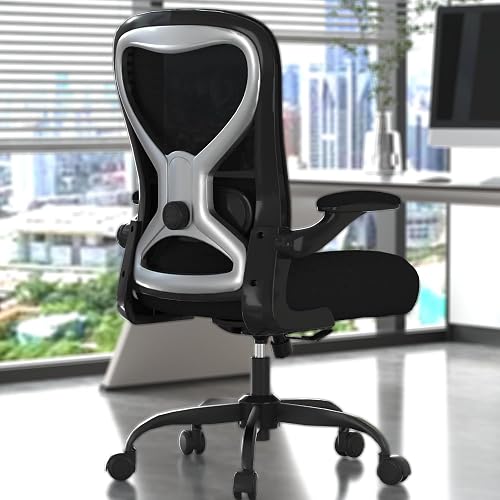
Step 2: Position Your Monitor Like a Pro
Here's the rule that changed everything for me:
> The top edge of your screen should hit your eyeline when looking straight forward. Screen distance: roughly 20 to 28 inches from your face, about an arm's length.
I use a tape measure literally every time I help someone set this up, because eyeballing it is wrong about 70% of the time.
The fix is shockingly cheap: Most monitors out of the box sit way too low. A monitor stand or arm fixes this in minutes.
- I used a $25 Mind Reader monitor riser for two years
- Then I upgraded to the HUANUO Dual Monitor Mount, which gave me precise tilt and depth control I didn't even know I needed
Step 3: Dial In Your Keyboard and Mouse Position
This is where the magic happens for wrist health:
- Your wrists should be flat or slightly angled down, never bent up
- Your elbows should stay close to your body at 90 to 110 degrees
- If you're reaching forward to type, the keyboard is too far
I made the switch to the , and the dull ache I'd accepted as "just part of working" disappeared within a month.
Deep Dive: The Sit-Stand Rhythm That Actually Works
Watch this if you've ever wondered how often to switch positions and why standing all day is just as bad as sitting all day:
The Movement Cadence That Saved My Knees
After six years of trial and error, here's my proven rotation:
| Time Block | Position | What I'm Doing |
|---|---|---|
| 0-30 min | Sitting | Email, focused writing |
| 30-60 min | Standing | Calls, meetings, lighter tasks |
| 60-90 min | Sitting | Deep work, design |
| 90-95 min | Walking break | Stretch, water, look out window |
> The 20-8-2 Rule: Every 30 minutes, aim for 20 minutes seated, 8 minutes standing, and 2 minutes moving. This is the cadence backed by Dr. Alan Hedge's Cornell ergonomics research.
Don't Skip This: Your Floor Setup
Standing on a hardwood or tile floor for hours is a one-way ticket to plantar fasciitis. I learned this the hard way during week two.
A good anti-fatigue mat is non-negotiable. The FEZIBO Standing Desk Mat at $39.99 was the single best $40 I've spent on my office setup.
What to look for:
- At least 3/4 inch thick (thinner mats compress flat within months)
- Beveled edges so you don't trip
- A textured surface so you can shift positions without sliding
Key Takeaways: The Cheat Sheet
> If you only remember five things: > > 1. Desk height = elbow height when standing relaxed with arms at 90 degrees > 2. Monitor top edge = eye level, arm's length away > 3. Switch positions every 30-45 minutes - never stand for hours straight > 4. Get an anti-fatigue mat before your feet start complaining > 5. Your wrists should be flat, not bent up like you're saluting your keyboard
The Bottom Line
A standing desk isn't a magic cure. It's a tool that, when set up correctly, gives your body permission to move throughout the day. Set it up wrong and you've just bought yourself a new flavor of discomfort. Set it up right, using the principles in this guide, and you'll wonder how you ever survived eight hours pinned to a chair.
Your back, your knees, and your future self will thank you.
Related Reviews
- Complete Guide to Monitor Height and Position for Eye Strain Prevention
- How to Transition to a Standing Desk Without Pain: Beginner's Guide
- How to Choose a Standing Desk: The Complete 2026 Buyer's Guide
- How to Choose the Right Standing Desk Height: A Complete Ergonomic Guide
- How to Create an Ergonomic Home Office on a Budget: Step-by-Step Guide
Key Takeaways
- Choosing the right how to set up a standing desk means matching the key features to your specific needs and budget
- Read real customer reviews and check the return policy before you commit
- Also covers: standing desk ergonomics
- Also covers: standing desk height
- Also covers: proper standing desk posture
- Compare value across models — the priciest option is not always the best fit